
Going live
Don’t send Google to a half-finished site
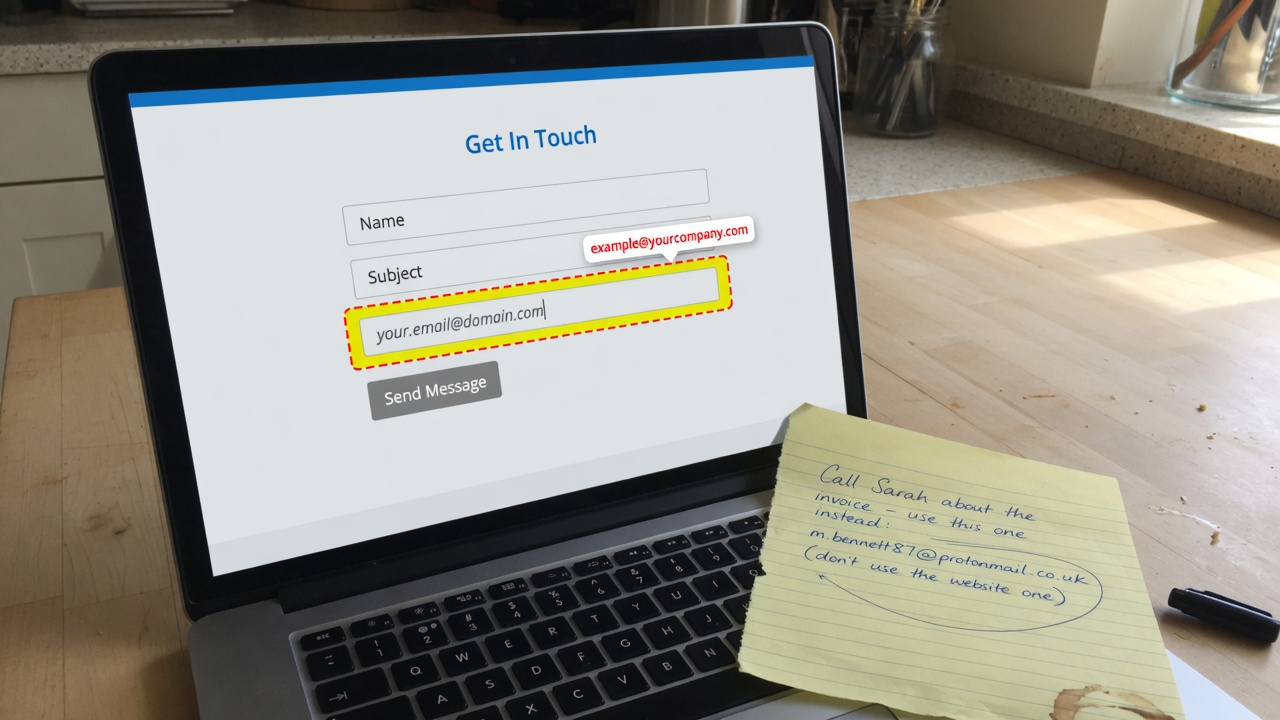
Name, email, and address have to be real before you ask search engines to look. Dummy text trains them on the wrong business.
If the footer still says “your email here,” don’t submit the site to Google yet. Search engines remember the wrong town longer than you’d like. Dummy hours, a fake city, and “Acme Roofing” leftover from the demo are how you train Google on a business that does not exist.
Finish the public facts first: the name you actually trade as, the email you actually read, address if you have one, hours if they matter, towns if you have a service area. Then titles. Then sitemap. Then Search Console. Not the other way around. This note is the checklist we use before we ever hit “Request indexing.”
Use the same facts everywhere
Home, Contact, About, and the footer should agree. One mailbox. One address string — same spelling, same suite number, same ZIP. If you add a phone later, change every spot the same day. Don’t put a Gmail on Contact and a different mailbox in the footer “until we switch.” Google treats that as two businesses.
If you have no public street address (mobile crew, no shop), don’t invent one. Use the service area and an email. Inventing a suite to look bigger is how listings get ignored or suspended later.
Hours that match the door
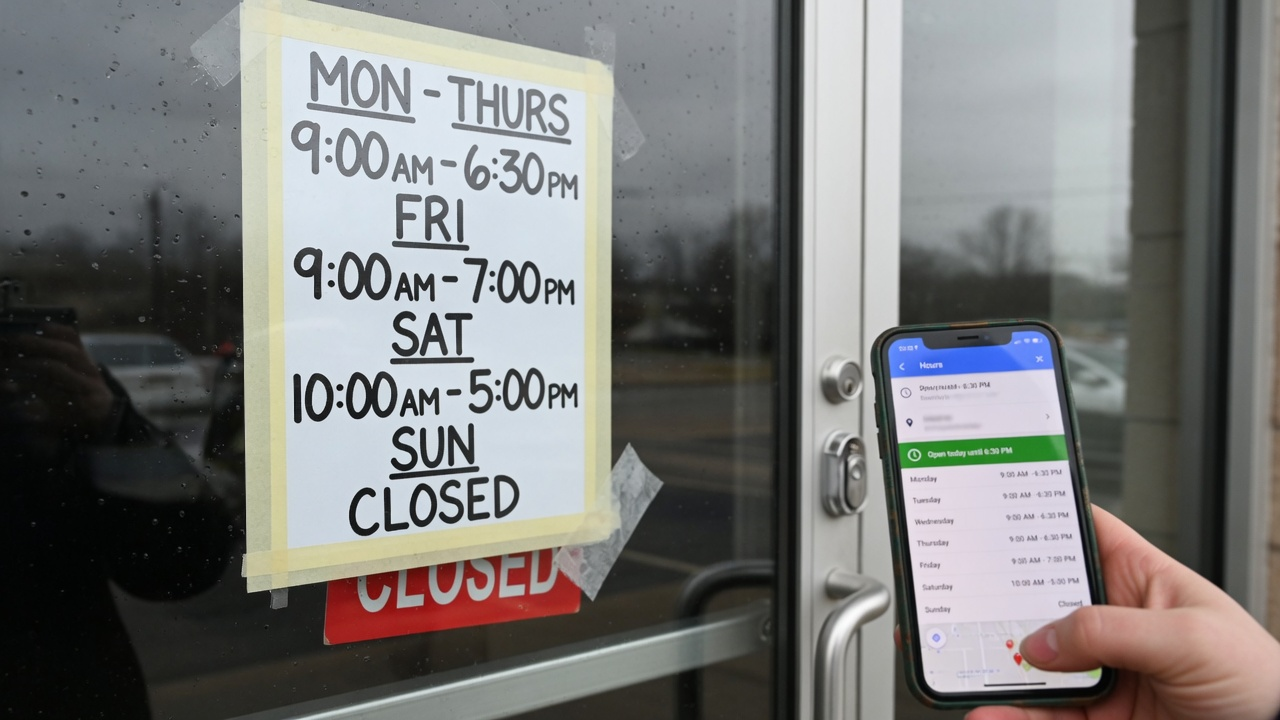
Seasonal hours belong in the same three places. “Coming soon” on hours is a warning to you, not a line to leave live. If you don’t know the winter hours yet, publish the hours you have and change them when you know. Empty “hours TBD” is worse than a short honest line.
Contractors: if you don’t keep shop hours, say “by appointment” and keep the estimate form working. Landlords: showing hours that don’t match when you answer mail is how applicants bounce.
Service area vs a pin on a map
Name the cities or counties you actually take. “Serving the region” is the same as saying nothing. If Google Maps thinks you’re in a city you left five years ago, fix that before you submit the sitemap. The website and any public listing should not argue.
We do not set up a Google Business Profile for this catalog — dts-templates.com is a nationwide product, and a fake shop pin is a bad idea. Your customer’s live site is different: if they have a real shop, they can add a profile later. Don’t point Google at the demo pack’s fake town while you decide.
Pictures and leftover demo
Real job photos help. Unique titles on each page help after the contact block is honest. Thin pages that repeat the same paragraph don’t help anyone, including you. Swap sample loaves, sample roofs, and sample unit photos before you ask Google to look. The photo add-on on Plans exists for this.
Also hunt for leftover demo: “Kiln Bakery” on a plumbing site, “example.com” links, lorem in an About blurb, a stock kitchen that isn’t yours. Preview sites under /preview/ are noindex on purpose. Your live domain is not a preview. Treat it like the public internet, because it is.
Titles after the facts
Once the name and email are real, set a unique title on each page that matches what the page actually is — Home is the business, Contact is how to reach you, a services page is the work. Don’t clone one keyword onto every title. We do this on Ready to show people. Files-only means you do it in admin.
A sane order
- Site is on the real domain with HTTPS. Install first — how we put a template on a VPS.
- Real name, email, hours, and towns on Home, Contact, footer. They match.
- Your photos, or the photo add-on if you have none. Demo pictures gone.
- Titles that match the page. No dummy business name in the tab.
- Sitemap loads in a browser. robots.txt allows the public pages.
- Then Google Search Console and Bing. Submit the sitemap once. Don’t hammer Request indexing.
Skip a step and you spend a month teaching Google the wrong story. That is slower than waiting two days to finish the facts.
If you already submitted too early
Fix the pages first. Don’t submit again until the dummy text is gone. Then use Search Console’s URL inspection on Home and Contact only — not every URL on the sitemap. Give it a week. Email us at dts.templates.admin@gmail.com if the live page still shows the old town in Google’s cache and you want a second set of eyes.
Which plan actually does this
Ready to show people ($349) writes the public facts and titles. Launch it properly ($549) also submits Search Console/Bing and places five real backlinks. Files-only (pick a design) will not do this for you — you get the zip and the checklist on this page. Here’s how a job with us runs: look, pick, we stop. Prices: what it costs.
Other notes
- What a contractor site should show on day one
- You don’t need property software on day one
- How we put your site on a VPS
All notes · Plans · Pricing · Designs · How a job runs · FAQ · Email us